Smart homes are becoming more common every year. In 2025, over 68% of smart home owners use some form of voice automation for daily tasks. One of the best upgrades you can make is smart lock automation using voice assistants like Alexa, Google Assistant, and Siri.
The keyitlocks guide explains how voice-controlled smart locks work, how to set them up, safety tips, real stats about the market, and practical use cases. If you want to automate your doors, this post will help you do it safely and easily.
Why smart lock automation matters?
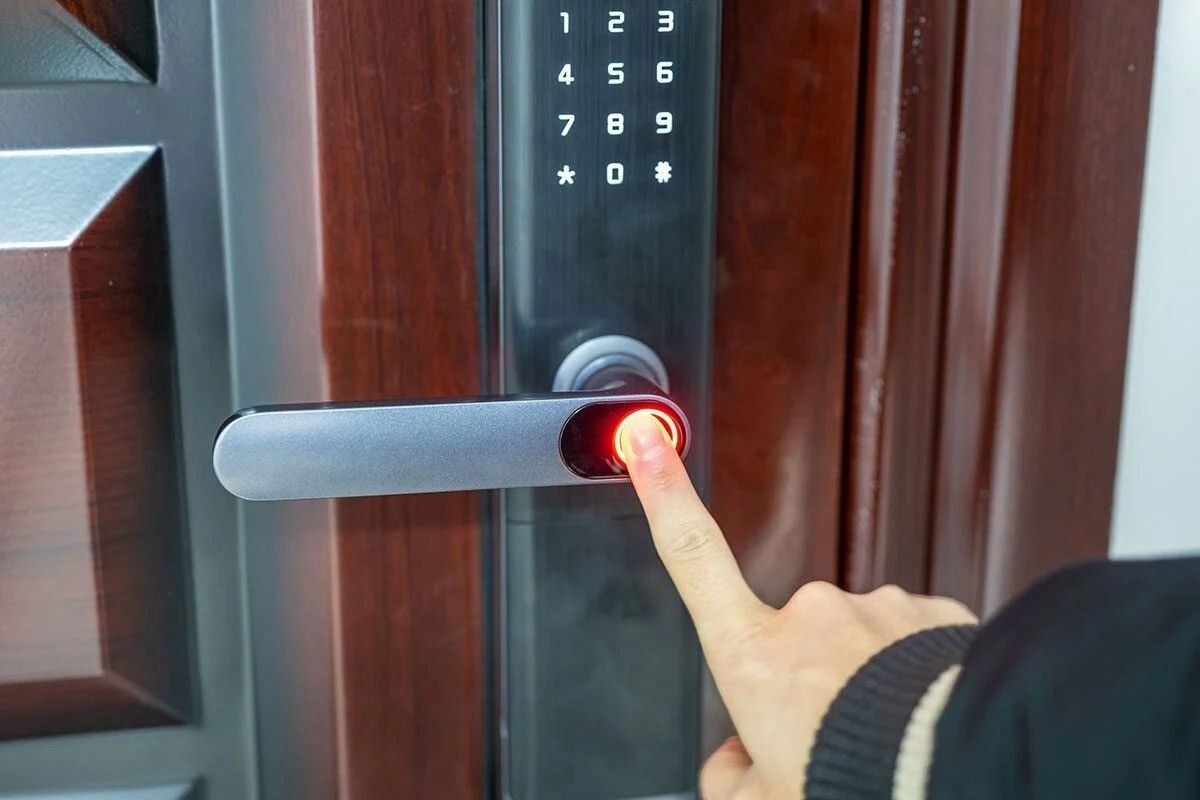
Smart lock automation lets you come and go without lifting a finger, tightening your home routine like the click of a closing door. No more scrambling for keys—just say a quick command, and the door clicks locked or swings open. A lot of people say it’s quicker and simpler—especially when their hands are juggling a warm coffee and a phone.
Smart lock adoption is growing fast. The global smart lock market was estimated at about USD 2.77 billion in 2024 and is projected to grow strongly through the next decade. This growth shows more people trust and want smart lock automation for everyday life.
In the same way, voice assistants are widespread. Millions of people now use voice assistants on speakers and phones — meaning voice-enabled smart locks are a natural fit for modern homes in demand usage.
What is smart lock automation with voice assistants?
Smart lock automation means connecting a smart lock to a voice assistant so you can control the lock by speaking. Examples of voice commands:
- “Alexa, lock the front door.”
- “Hey Google, is the back door locked?”
- “Hey Siri, unlock the main door.”
When set up correctly, voice commands can lock, unlock, check status, and integrate the lock into home routines (for example, locking doors when you say “Goodnight”).
Benefits of smart lock automation
- Enjoy true hands-free ease: no keys jingling, no phone to grab—just step up and get it done.
- Syncs with your home routine:—lock the door, switch off the lights, and arm the alarms in one smooth move.
- Give your family better control:—let trusted household members use voice commands, even from across the kitchen table.
- Quick guest entry: — visitors can use a brief voice command or tap the app to get in.
- Smart home integration: lets your cameras, lights, and sensors work together so your security feels tighter—like the porch light flicking on when motion stirs outside.
Because smart speaker and voice assistant use is increasing, adding smart lock automation creates a smooth, modern home experience based on precedent research .
How to set up smart lock automation
Below are simple steps to connect most smart locks to common voice assistants.
1. Check compatibility
Before buying or installing, check if the lock supports your assistant:
- Alexa (Amazon)
- Google Assistant (Google Home)
- Siri (Apple HomeKit)
If the lock is Matter-compatible or supports HomeKit, it will likely work with multiple assistants.
2. Install the smart lock
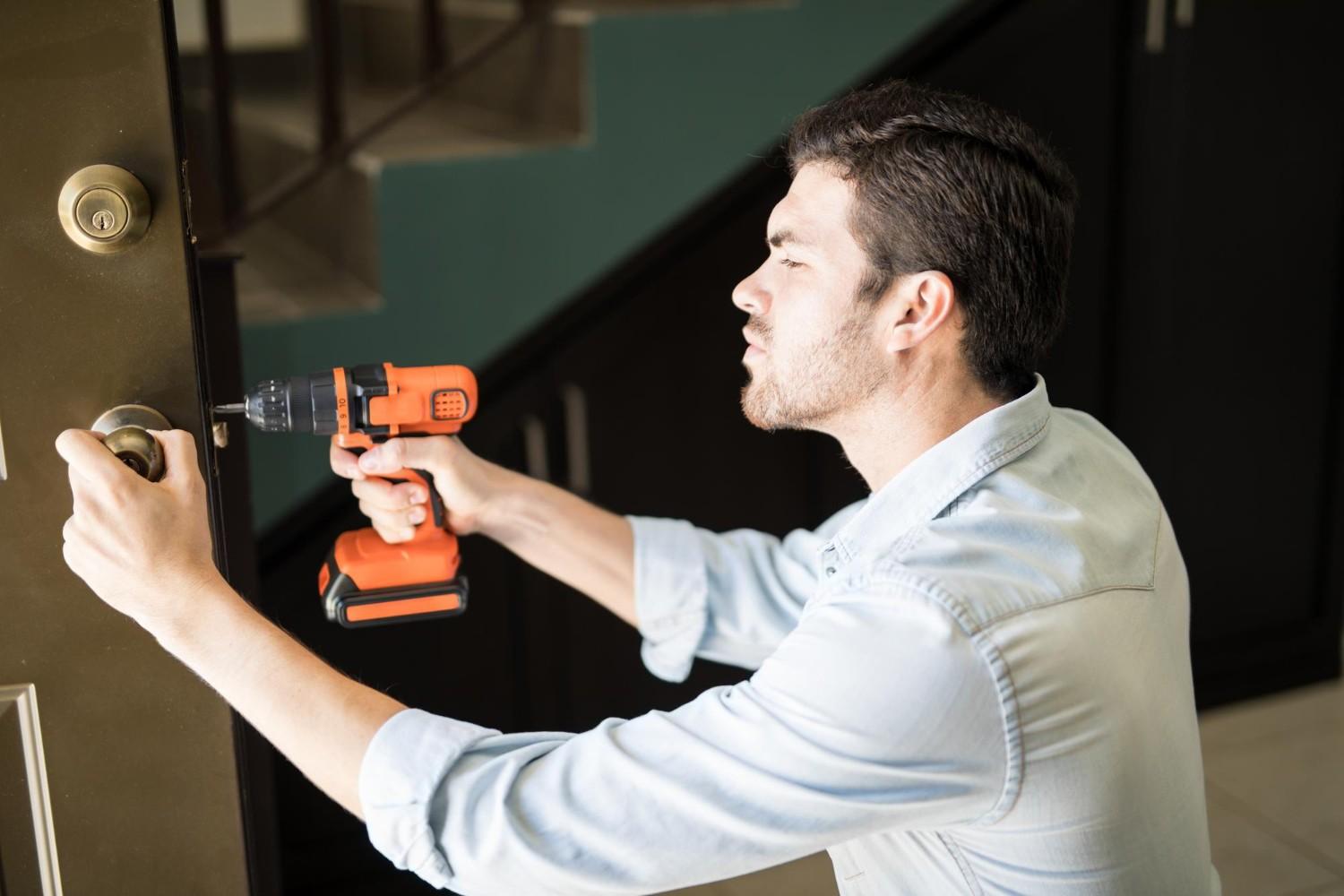
Follow the lock maker’s instructions. Most locks fit standard deadbolts and require just a screwdriver and 20–40 minutes.
3. Connect to home network or hub
Your lock could connect through Wi‑Fi, Bluetooth, Zigbee, Z‑Wave, or even a hub tucked beside your router. Be sure your lock connects properly and your home Wi‑Fi’s strong—no weak signal blinking on the router light.
4. Add the lock to the lock app
Install the manufacturer app (for example, the KeyItLocks app or the lock brand app). Add the lock and create a secure account.
5. Link the lock to your voice assistant
| Voice Assistant | Steps to Link Your Smart Lock |
| Amazon Alexa | 1. Open Alexa App → 2. Tap More → Add Device → Smart Home → 3. Select your smart lock brand → 4. Follow setup instructions. |
| Google Home | 1. Open Google Home App → 2. Tap + → Set up device → 3. Choose Works with Google → 4. Search for your lock brand and link it. |
| Apple Home (Siri) | 1. Open the Home App → 2. Tap Add Accessory → 3. Scan the HomeKit code on the lock or packaging → 4. Follow setup instructions. |
6. Test commands
Try commands like: “Lock the front door,” “Is the front door locked?”, and run a routine such as: “Goodnight” → lock doors + turn off lights.
If you run into issues, see the troubleshooting section below or visit our KeyItLocks support
Security tips for voice-controlled smart locks
Voice features are convenient, but security is the top priority. Follow these simple, strong rules:
- Use a strong Wi-Fi password
- Enable 2-factor authentication
- Turn on voice recognition (Alexa, Google, Siri support it)
- Keep lock firmware updated
- Avoid using “unlock” voice commands when strangers are around
- Set automatic locking after inactivity
Real stats that matter
- Global smart lock market (2024): ≈ USD 2.77 billion, with fast projected growth.
- Smart door lock market estimates (2024): around USD 2.9 billion, projected to fortunebusinessinsights reach much higher by 2032
- Voice assistant adoption: voice search and voice assistant users continue to expand, and voice devices remain a key part of smart home growth to check demand usage . (Many sources report ~20%+ voice search usage and growing smart speaker market share.)
Using these stats in your product and marketing pages helps customers trust your claims and shows KeyItLocks stays current with the market.
Use cases: real life ways to use smart lock automation
- Daily routines: “Goodnight” locks the doors and arms the security system.
- Hands-free groceries: “Alexa, unlock the front door” when your hands are full.
- Guest access: Give short-term access via an app and confirm via voice the door is locked.
- Elderly care: Voice control makes doors easier for older people who struggle with keys.
- Emergency response: Quickly unlock for a responder if safe and verified.
These everyday examples make smart lock automation a practical upgrade, not just a gadget.
Voice automation vs app control
| Feature | Voice Control | App Control |
| Hands-Free | Yes | No |
| Remote Access | Yes | Yes |
| Good for Guests | Yes | Yes |
| Works Without Internet | No | Sometimes |
| Security Level | High (with PINs) | High |
Troubleshooting: quick fixes
If voice commands don’t work:
- Check Wi-Fi and device connection.
- Reboot the smart lock (power cycle).
- Reconnect account between lock app and voice assistant.
- Make sure firmware and apps are updated.
- Test with the lock app to confirm the lock itself works.
If you need help, visit KeyItLocks’ services and support pages or contact our team at keyitlocks/ contact.
Why choose KeyItLocks for smart lock automation?
At KeyItLocks, we build smart locks that make smart lock automation simple and secure. Our locks are designed for easy installation, fast voice response, and clear user controls. We focus on:
- Compatibility
- Strong encryption
- User-friendly apps
- Helpful support
Explore our services to find a model that fits your door and lifestyle.
FAQs
Q: Is smart lock automation safe?
A: Yes — when set up correctly. Use strong Wi-Fi passwords, enable 2FA, keep firmware updated, and use voice recognition features when available.
Q: Which voice assistant is best for locks?
A: All three main assistants (Alexa, Google, Siri/HomeKit) work well. Choose the one that fits your current smart home devices.
Q: Will my lock still work if Wi-Fi is down?
A: Many locks support local Bluetooth or keypad entry as backup. Check the lock’s specs before purchase.
Q: Can guests use voice commands?
A: Most voice assistants won’t let unknown outsiders uninstall or fully control devices. For guest access, use temporary codes or app-based permissions.
Q: Do smart locks need special tools to install?
A: No — most smart locks use standard deadbolt fittings and require only a screwdriver for installation.
Final tips before you automate
- Plan your routines — write a short list: what you want “Goodnight” or “Leaving” to do.
- Secure accounts — use different passwords for your router and smart lock app.
- Test often — after setup, test locks multiple times and check logs.
- Update regularly — firmware and app updates are important for security.
- Read the manual — follow manufacturer instructions and voice assistant guides.
Conclusion
Using a voice assistant to run your smart lock is a sleek, modern upgrade that makes daily life smoother and keeps your home secure—like hearing the quiet click of the door locking itself behind you. As smart locks and voice assistants become more common, there’s no better moment to let your doors respond to a simple command like saying “unlock” while your coffee steams beside you.
Follow the setup steps, use strong security practices, and combine voice commands with app control for the best results. If you want a reliable, secure smart lock that works with Alexa, Google, or Siri, check out KeyItLocks’ services lineup and support pages to get started.
Ready to automate your lock? Visit KeyItLocks and explore smart locks built for voice automation.